¶ SAP Password Strength Testing
Password strength testing in the RedRays Security Platform reads the password hashes held in an SAP system's user master table, attacks them offline with a dictionary of candidate passwords, and reports which accounts would open to somebody guessing.
- No logon attempted, no lockout
- Per client, not per system
- Counts on screen, never a password
It answers a blunter question than the rest of an SAP security review. Not whether the system is configured to demand strong passwords, and not who holds which authorisation, but this: which accounts on this system, in this client, would let a stranger in on a guess. That question has a factual answer, because either a candidate password reproduces the stored hash or it does not.
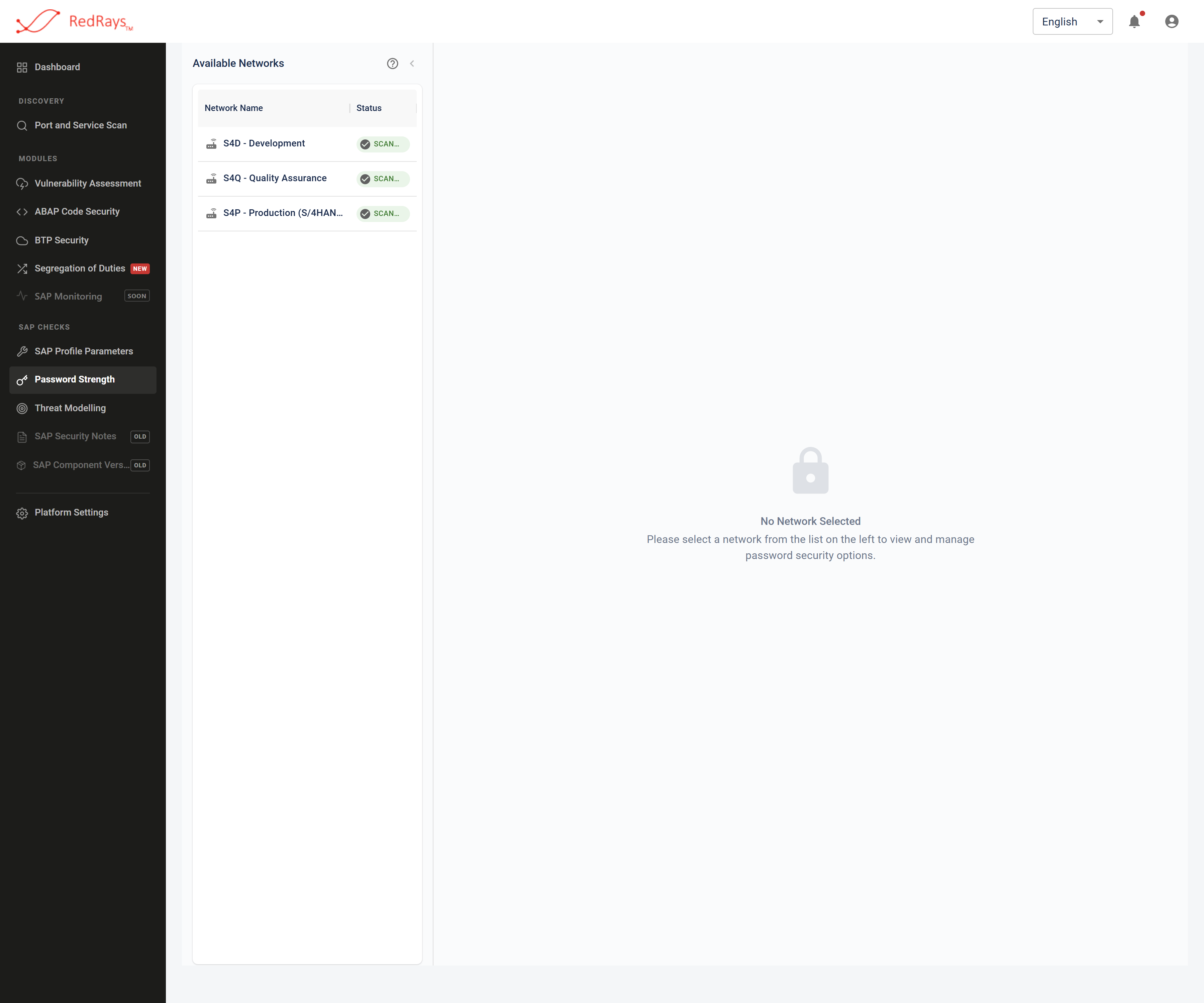
Opening the module reads nothing from SAP: it lists the landscapes it is allowed to be pointed at and waits to be told which one.
¶ What is SAP password strength testing?
It is the offline recovery of SAP passwords from the hashes SAP itself stores. SAP keeps a one-way hash of each password in the user master table USR02. Nothing in SAP can turn that hash back into a password, and no SAP report will tell you a password is weak. The only method available to anybody, including SAP, is to hash a candidate the same way and compare the result. That is what this capability does, once per client, against the hash field that account's password generation actually uses.
The attack runs on the installation, not on the SAP system. No logon is attempted with a recovered password, so the test produces no failed-logon records and cannot lock an account out.
¶ Why does an SAP password policy not answer this?
Because a policy is prospective and the hashes are historical. The minimum length parameter, the character-class settings and the expiry interval all bind the next password change. None of them reaches back through a table that was already there. A landscape can pass every profile parameter check and still hold an account whose password is the one it was installed with, set years ago under an older kernel by an administrator who has since left.
The two questions are checked separately and neither substitutes for the other. Parameter values are the subject of SAP profile parameter checks; the stored evidence is the subject of this page. Password policy against a hash test sets the two side by side.
¶ What does the test read from SAP?
Five fields of the user master table and nothing else: the user name, the password generation code, and the three hash fields SAP has used across three generations of the kernel.
| Field | What it holds |
|---|---|
BNAME |
the user name, which is an input to every SAP password hash |
CODVN |
the generation this account's password was last written under |
BCODE |
the oldest hash, case-folded and truncated to eight bytes |
PASSCODE |
the middle generation, case-exact but unsalted |
PWDSALTEDHASH |
the current generation, salted and iterated |
Lock state, user type, validity date, roles, last logon and password change date are not read. That is a deliberate boundary and it decides what a result can say: see what one password test result says and how the test reads SAP password hashes.
The capability performs a table read: it does not create, lock, unlock or reset anything in SAP. There are no logon attempts, so no account can be locked out by the test.
¶ What does a result look like?
A count per connection, never a password. The console shows how many hashes were read for that client and how many of them were recovered. No screen in this capability renders a password value in any state, in any cell, dialog or tooltip, because the recovered value is not sent to the browser at all. Recovered passwords leave only through an explicit export, which is a credential file and should be handled as one. Password test results and handling is what to do with it.
A result is per client, not per system. USR02 is client-dependent, so one host running three clients holds three separate sets of password hashes and needs three separate reads. A default account left open in a client nobody uses is invisible to a read of the client everybody uses.
¶ Which accounts does this usually find?
The ones SAP shipped. SAP*, DDIC, EARLYWATCH, TMSADM and SAPCPIC have documented default passwords, published in SAP's own documentation and in every hardening guide written since. The only thing separating a landscape where they still work from one where they do not is whether somebody changed them, in every client, and kept them changed. SAP default accounts and passwords is the list and the client-by-client argument.
After the defaults come the patterns people choose under pressure: the company name with a year, a season with a digit, the standard password an implementation partner used on every system in a rollout.
¶ What the test does not do
- It is a dictionary attack, not a keyspace search. There is no mask attack, no incremental walk and no rule engine. A password that is simply not in the list you chose is reported the same way as a password that resisted it.
- It does not tell you whether the account can be used. Lock state, user type and validity are not read, so a recovery may name a locked account, an expired one, or a service user that takes no dialog logon.
- It attacks one hash field per account, the one the account's generation names. An older, weaker hash still sitting on the same row is not attacked.
- A hit on the oldest generation proves eight characters, case-folded, because that is all
BCODErecords. See SAP password hashes and CODVN. - It is not a password policy check, and it is not an authorisation review. What a recovered account could then do is a segregation of duties question.
The full version of this section, with the reason behind each limit, is what a password test does not prove.
Nothing recovered means the candidate list you chose did not contain the passwords. That is worth something, and it is not the same statement as strong.
¶ Where to start
¶ Frequently asked questions
¶ Does the test try to log on to SAP with the passwords it finds?
No. Candidates are hashed and compared offline, on the installation you run. Nothing logs on, so the test cannot lock an account out and produces no failed-logon audit records.
¶ Do the password hashes leave our network?
No. The hashes are read into the installation you run and attacked there. This capability calls no external service, which is also the subject of deployment and where data goes.
¶ Can it test a system we cannot connect to?
It needs a read of the user master table in each client, and that needs a connection and an authorised account. There is no offline hash import path in this capability.
¶ Does a clean result mean the passwords are strong?
It means the candidate list you chose did not contain them. That is worth something, and it is not the same statement. Recovered, resisted, never tested is the difference, and what a finding does and does not claim is the platform rule behind it.
¶ How often should this be re-run?
After every project that creates accounts in bulk, after any client copy, and on a schedule slow enough to be honest about. A result is a statement about the moment of the read, not a standing property of the system.